
THE UNOFFICIAL FIELD GUIDE
AZEROTHSURVIVORS
Find the original game, choose a class, and prepare for your next run. Practical guides for Aethus’s Azeroth Survivors, checked against the live menu.
THE GAME
A familiar world. A different kind of survival.
Azeroth Survivors is Aethus’s free, Warcraft-inspired survivors-like. Pick a class, enter a zone and build your character across repeated runs.
This independent guide starts with the questions that get you playing: where to go, what the menus mean and what to check when the game will not load.
- Creator
- Aethus
- Genre
- Survivors-like
- Price
- Free
- Platform
- Browser / Windows
- Classes
- 9
- Guide
- Independent
Get to the creator’s game and check the browser requirements.
Read the starting spell and spell pool before committing to a run.
Understand equipment, talents and zone unlock conditions.
Learn what a local save means before changing devices.
FIELD MANUAL
Where to begin
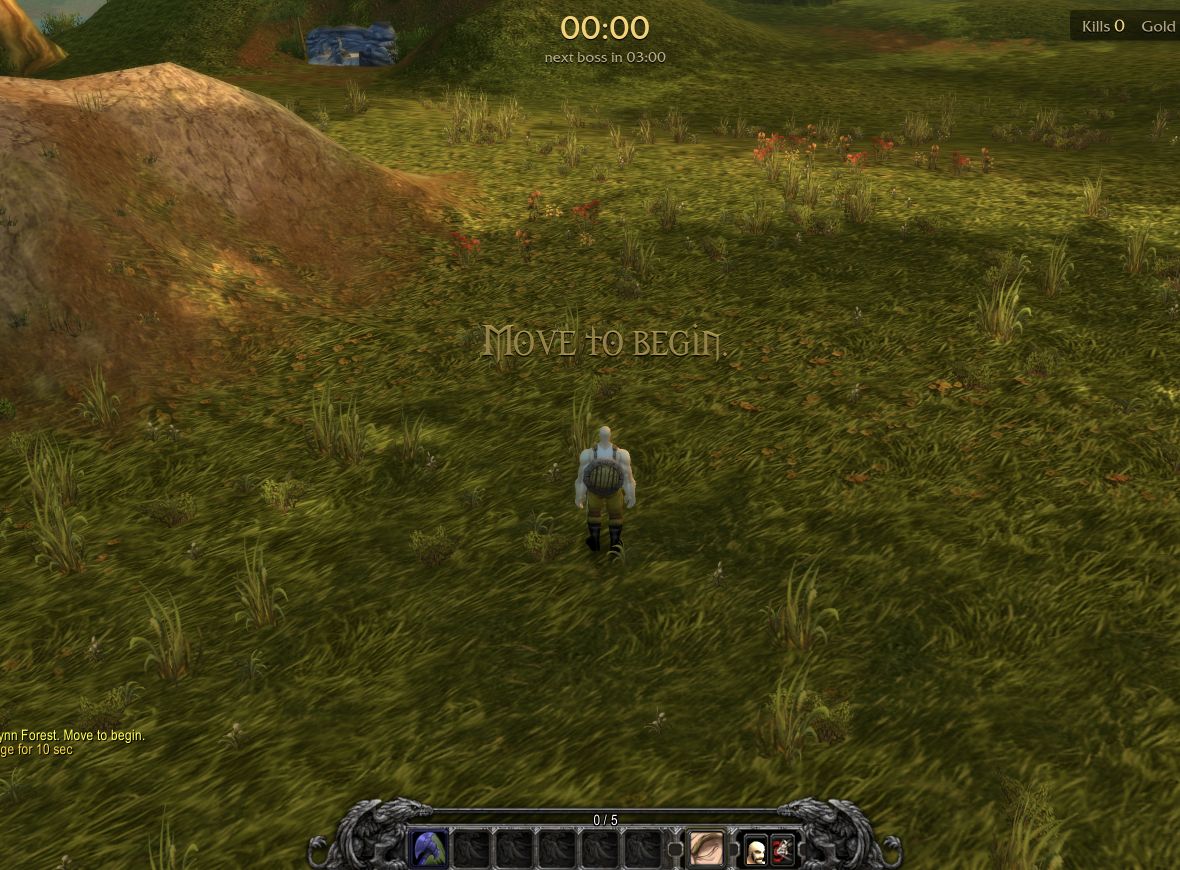
Your first run, step by step
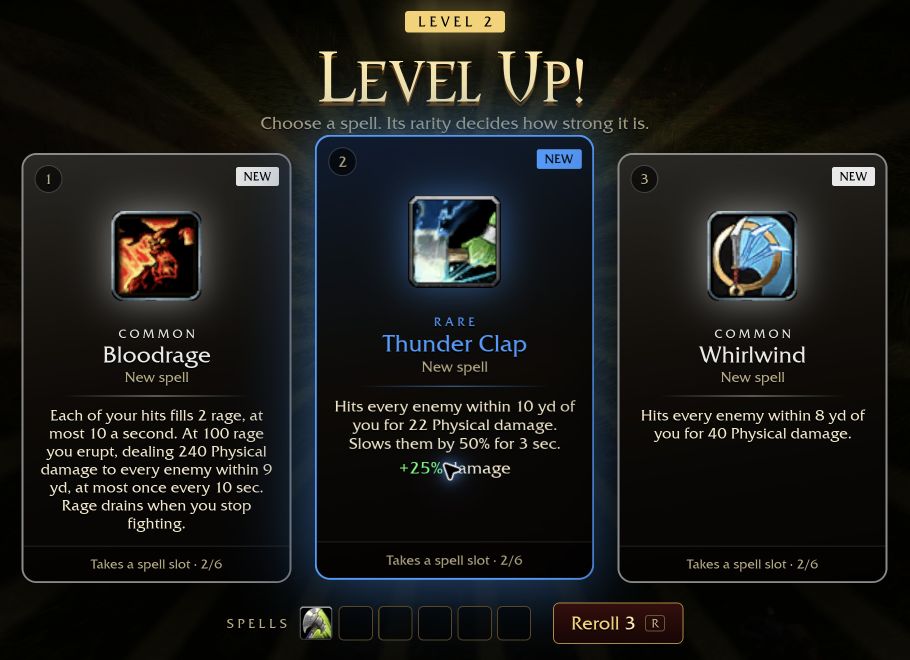
Set up a character, read the first zone’s boss timings, and learn movement, card selection and rerolls before entering Elwynn Forest.
Read guide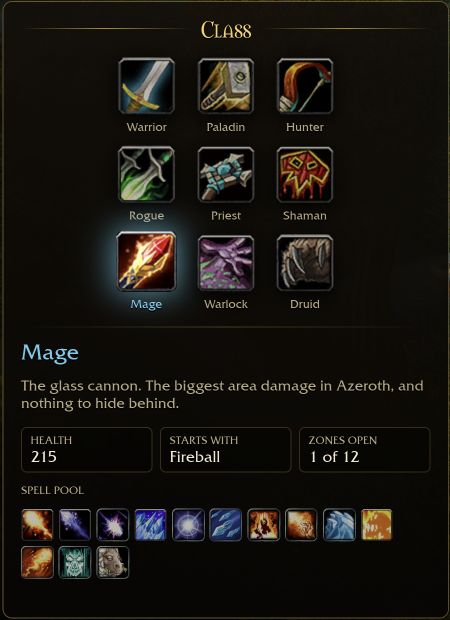
How to choose a class
Find the nine classes in the current menu, compare starting spells with version context, and use a fair checklist before trusting a tier list.
Read guide
Where to play and download
Reach Aethus’s original browser game or Windows download, check WebGPU requirements, and avoid confusing this guide with a game host.
Read guide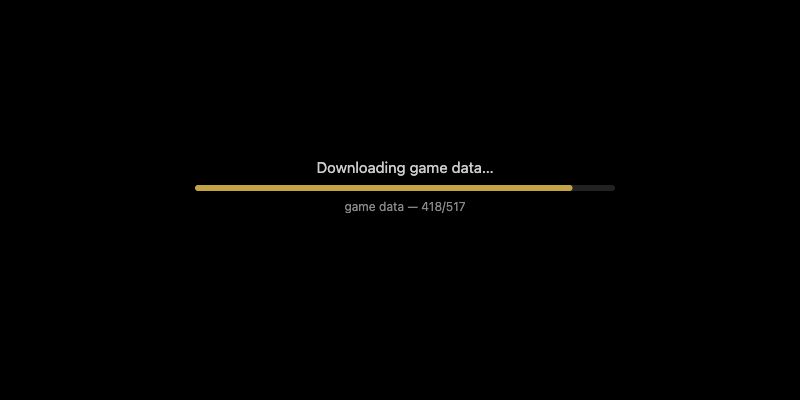
Game not loading? Start here
Separate a WebGPU error from a download in progress or a capacity notice, then follow the matching checks without wiping your save.
Read guide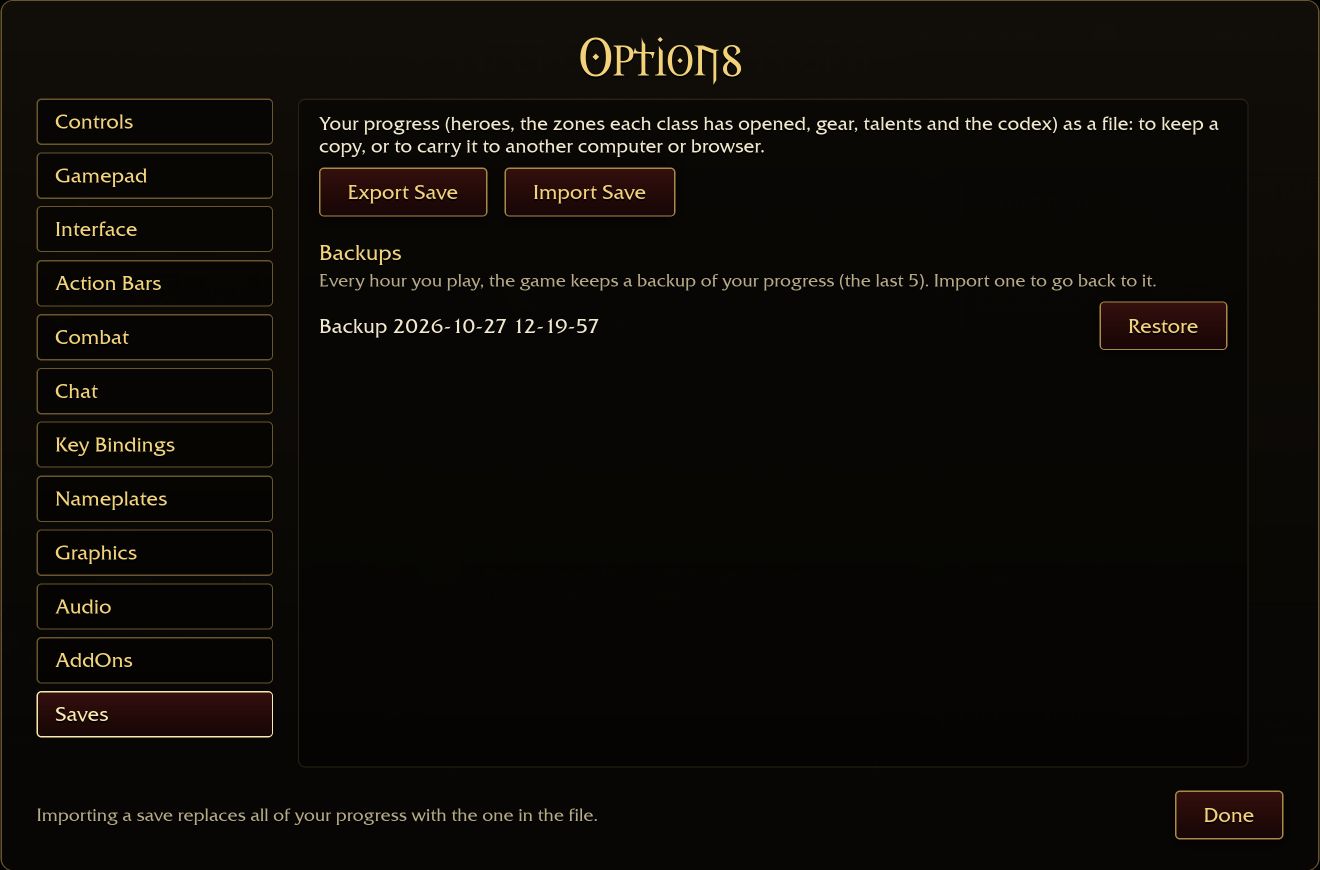
Back up your save before switching devices
Find Export Save and Import Save, understand the replacement warning, and check the right character and zone progress after moving devices.
Read guideCLASS DOSSIERS
Choose your starting point
CODEX
Know the game
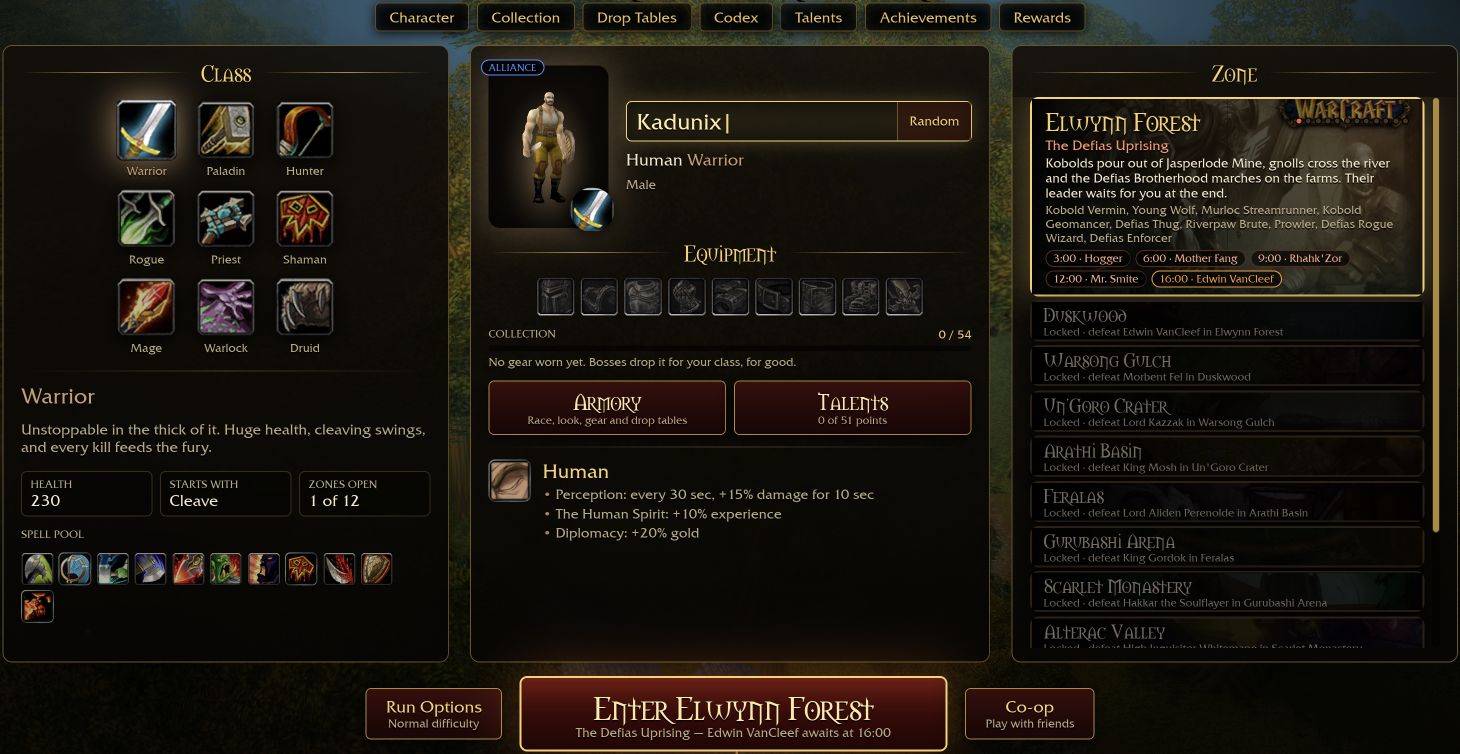
Equipment
Boss drops can build a lasting class collection.
Read guide →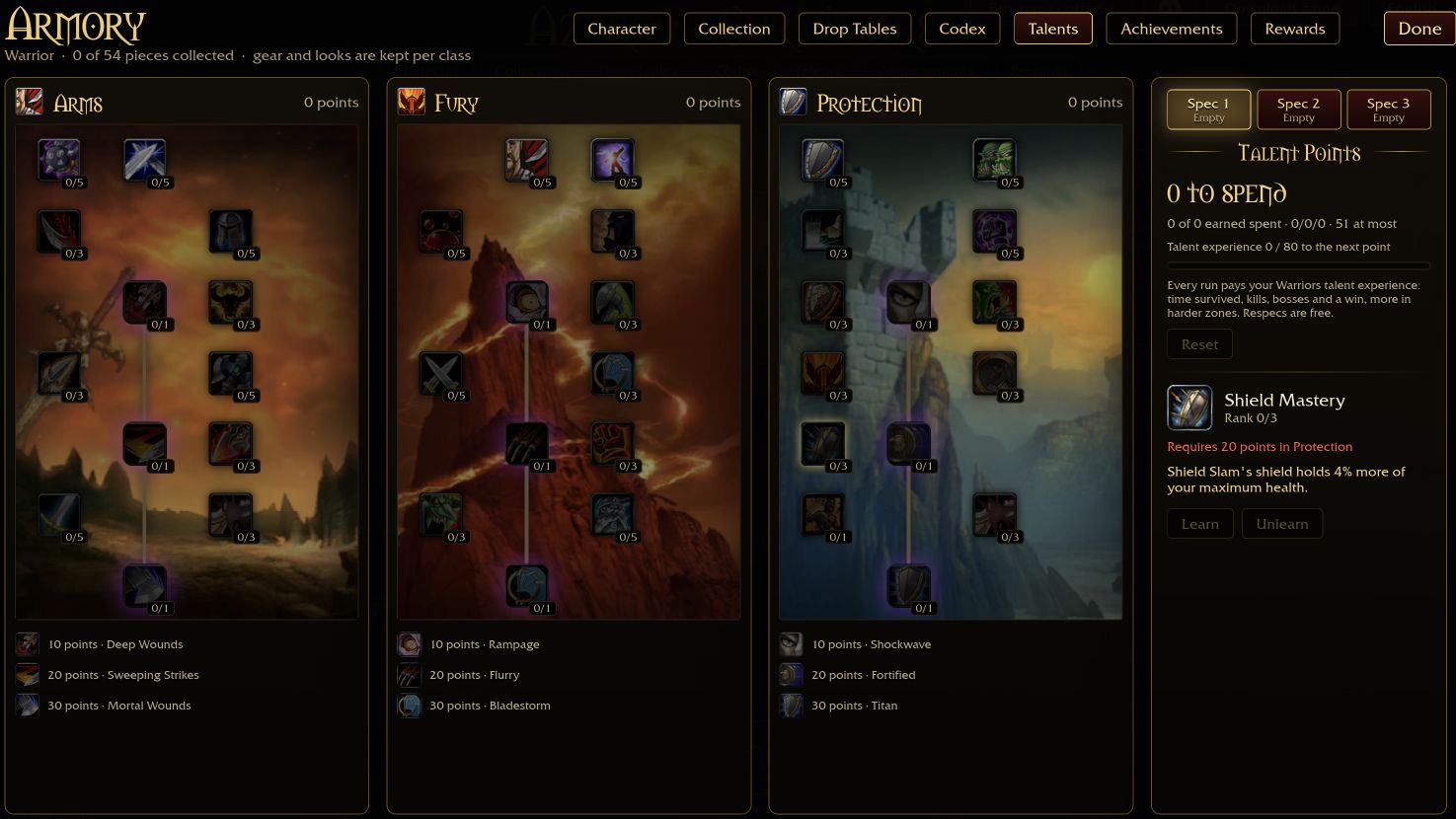
Talents
Open the talent panel and check your available points.
Read guide →Zones
Read the boss requirement on the locked zone.
Read guide →Controls
Movement, card selection and reroll keys.
Read guide →Browser
Separate WebGPU issues from downloads in progress.
Read guide →Our sources
See what this guide has actually checked.
Read guide →FROM THE GUIDE
Before the next run
Back up your save before switching devices
Find Export Save and Import Save, understand the replacement warning, and check the right character and zone progress after moving devices.
Read guideGear, talents and zone unlocks
Understand the character menu, permanent class equipment, early zone requirements and the progress included in a save file.
Read guideGame not loading? Start here
Separate a WebGPU error from a download in progress or a capacity notice, then follow the matching checks without wiping your save.
Read guideReady for Elwynn Forest?
Aethus builds and maintains the game. Use this guide to prepare, then head to the creator’s original site to play.